LumoClean - Phone Cleaner1.1
Publisher Description
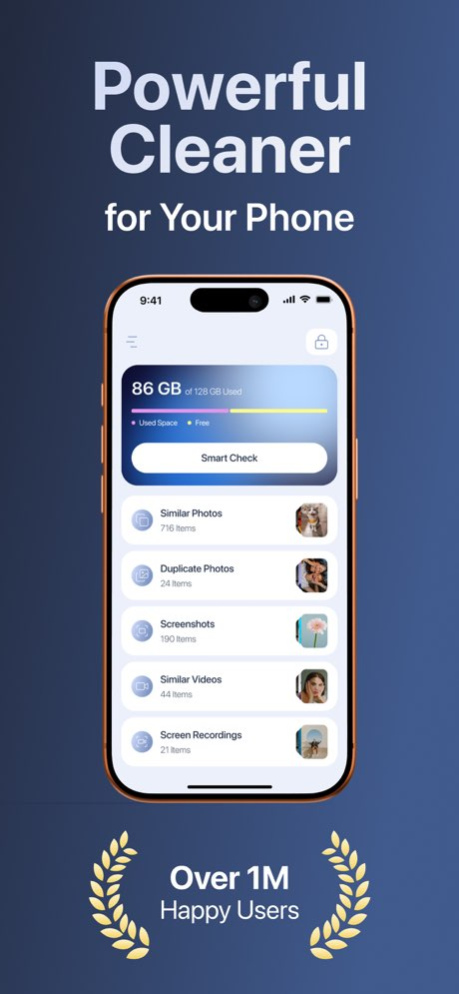
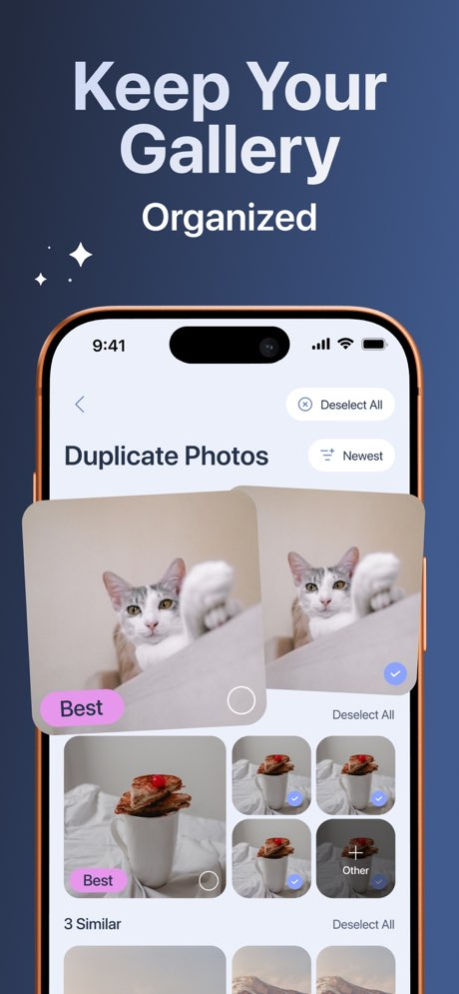
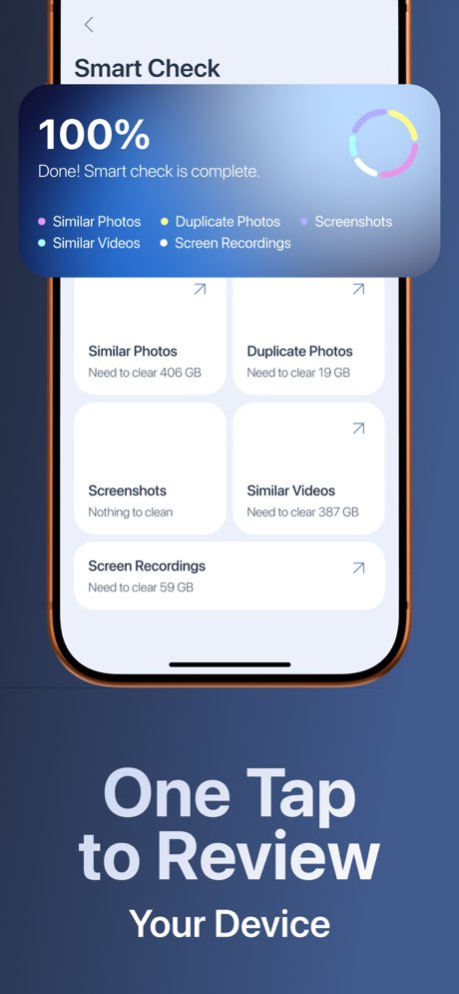
LumoClean is designed to help you optimize your device, free up valuable storage, and enhance your overall digital security. The app provides powerful cleaning tools and essential protection features to ensure your device stays organized, efficient, and secure.
Storage Optimization
Efficiently clean and manage your media with smart detection tools:
Similar photos
Duplicate photos
Screenshots
Similar videos
Screen recordings
LumoClean analyzes your library and helps you remove unnecessary files with accuracy and ease, giving you more space for what matters.
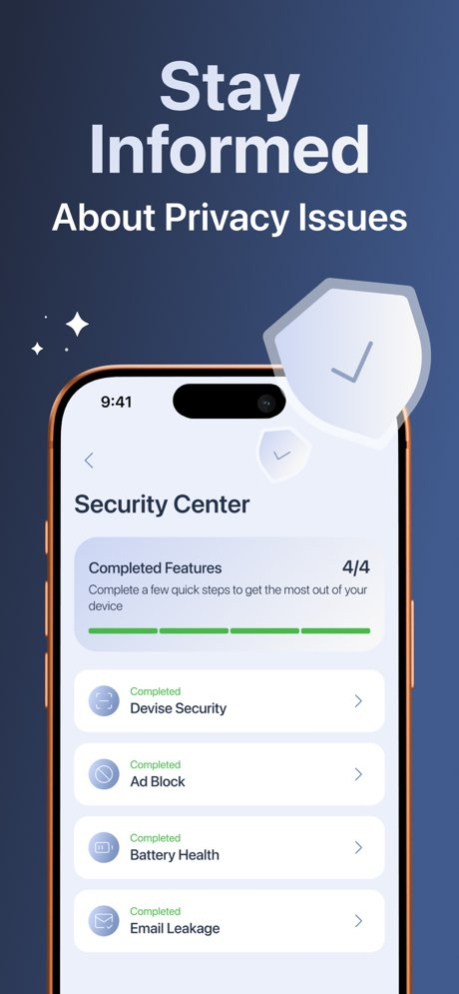
Security Features
Stay informed and protected with essential device insights:
Device security status
AdBlock
Battery health monitoring
Email leakage check
These tools help you maintain a safe and optimized environment across your device.
Subscription Information
LumoClean offers auto-renewing subscription options:
Weekly: $9.99 with a 3-day free trial
Monthly: $19.99
Payment will be charged to your Apple ID account upon confirmation. Subscriptions renew automatically unless canceled at least 24 hours before the end of the current period. You can manage or cancel your subscription in your App Store account settings at any time.
Privacy Policy
Your data is processed securely and handled according to our Privacy Policy.
Link: https://lumo-clean-app.com/privacy
Terms of Use
By using LumoClean, you agree to the Terms of Use.
Link: https://lumo-clean-app.com/terms
Version History In the version 1.1 we added new analytics and fixed minor bugs. 1.1 Feb 6 1.0 Jan 27
About LumoClean - Phone Cleaner
The company that develops LumoClean - Phone Cleaner is Andre Kruus. The latest version released by its developer is 1.1.
To install LumoClean - Phone Cleaner on your iOS device, just click the green Continue To App button above to start the installation process. The app is listed on our website since 2026-07-14 and was downloaded 0 times. We have already checked if the download link is safe, however for your own protection we recommend that you scan the downloaded app with your antivirus. Your antivirus may detect the LumoClean - Phone Cleaner as malware if the download link is broken.
How to install LumoClean - Phone Cleaner on your iOS device:
- Click on the Continue To App button on our website. This will redirect you to the App Store.
- Once the LumoClean - Phone Cleaner is shown in the iTunes listing of your iOS device, you can start its download and installation. Tap on the GET button to the right of the app to start downloading it.
- If you are not logged-in the iOS appstore app, you'll be prompted for your your Apple ID and/or password.
- After LumoClean - Phone Cleaner is downloaded, you'll see an INSTALL button to the right. Tap on it to start the actual installation of the iOS app.
- Once installation is finished you can tap on the OPEN button to start it. Its icon will also be added to your device home screen.
Program Details
System requirements
Download information
Pricing
Version History
version 1.1
posted on 2026-07-14
Version History In the version 1.1 we added new analytics and fixed minor bugs. 1.1 Feb 6 1.0 Jan 27
